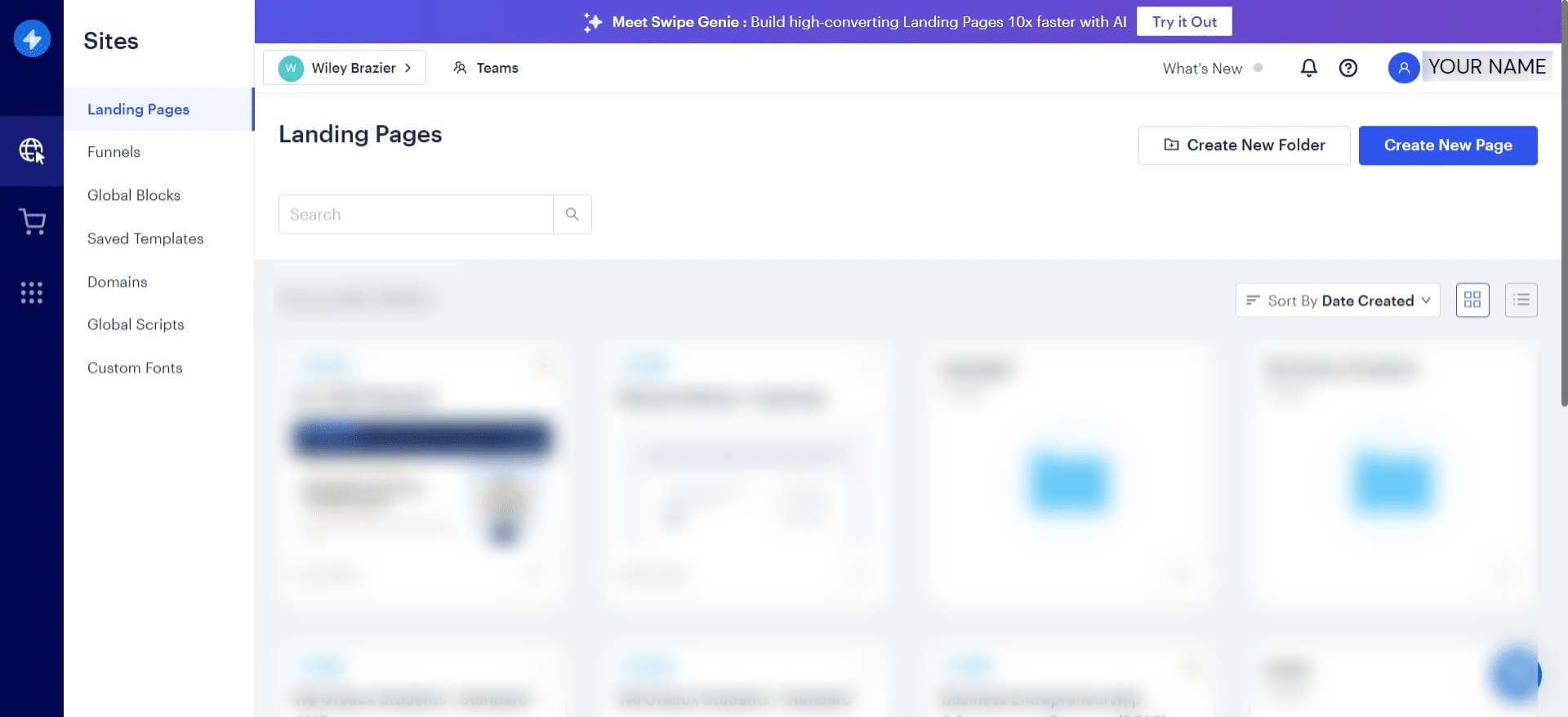
Accessing Your Website in Swipepages
Jul 26, 2024●
1
Navigate to https://swipepages.com/
2
Click on "Login"

3
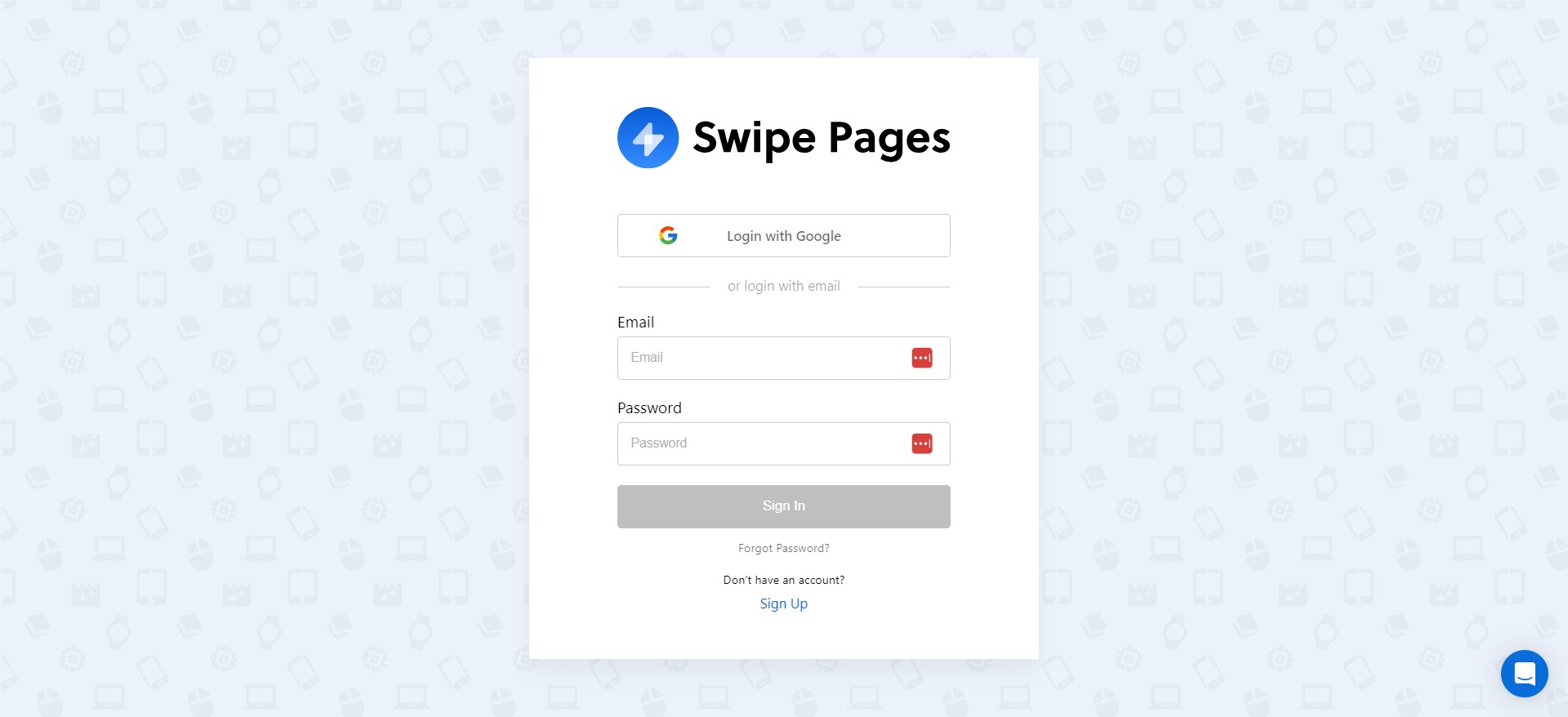
You can either login with Google or enter your login credentials.
4
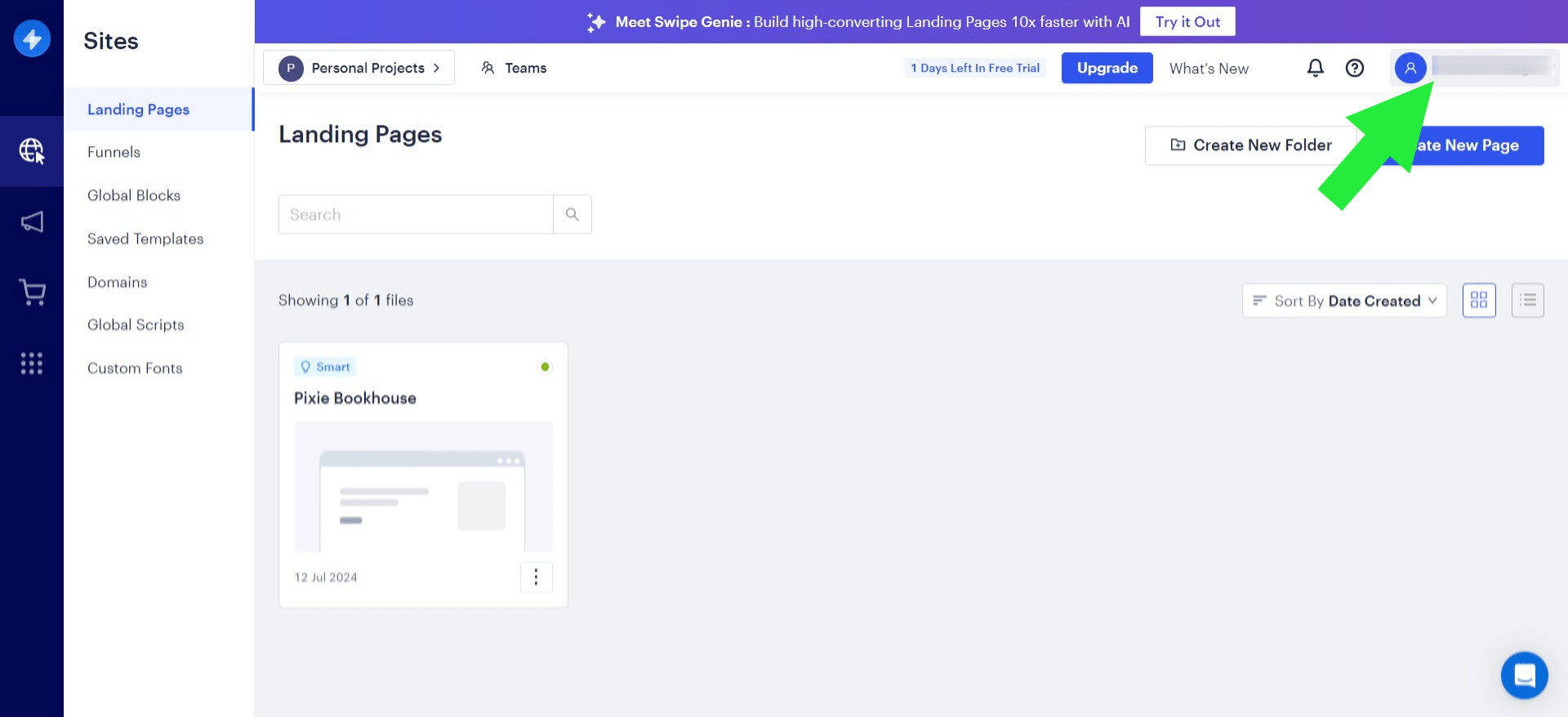
Click on YOUR NAME in the upper right corner.
5
Click on "We Greaux People"
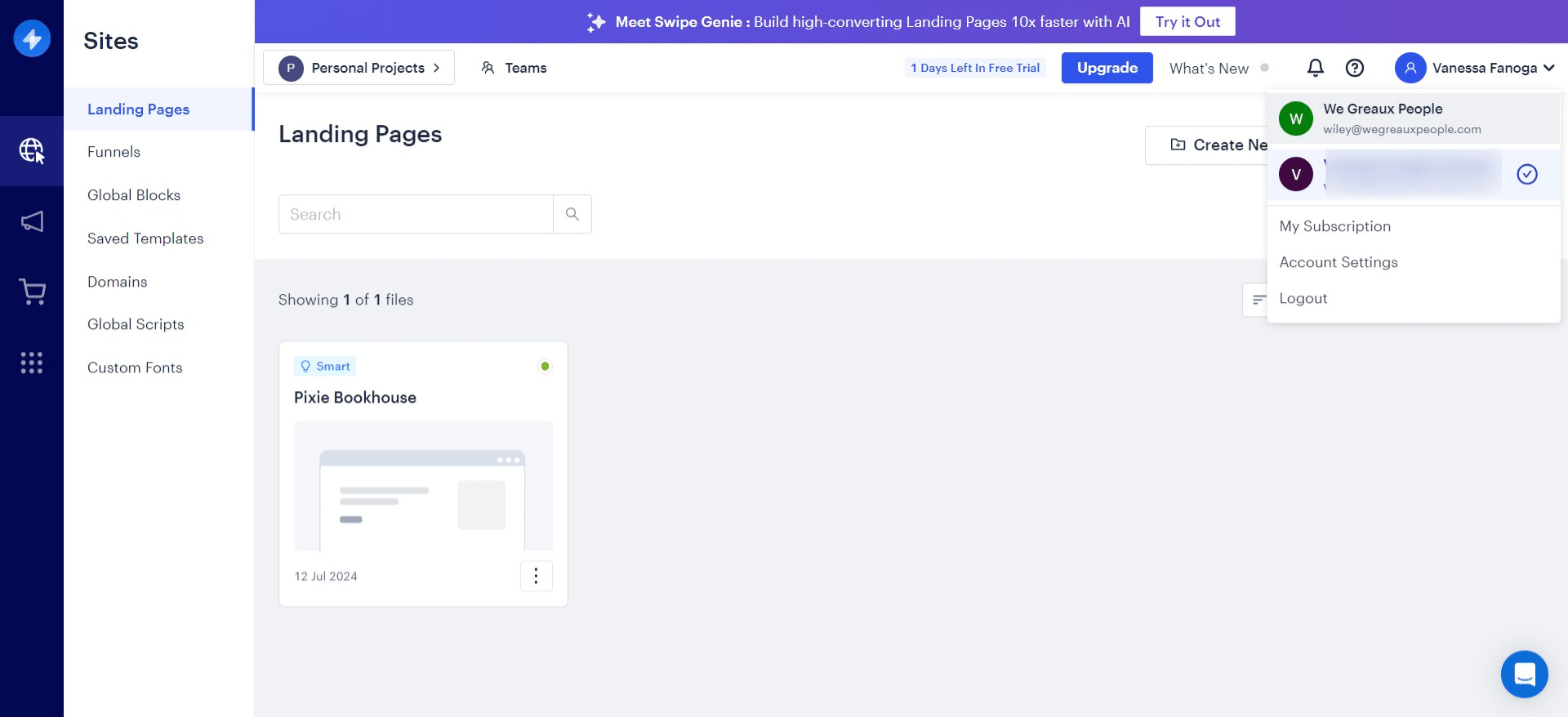
You should now see your name in the upper right corner.
6
Done 🚀