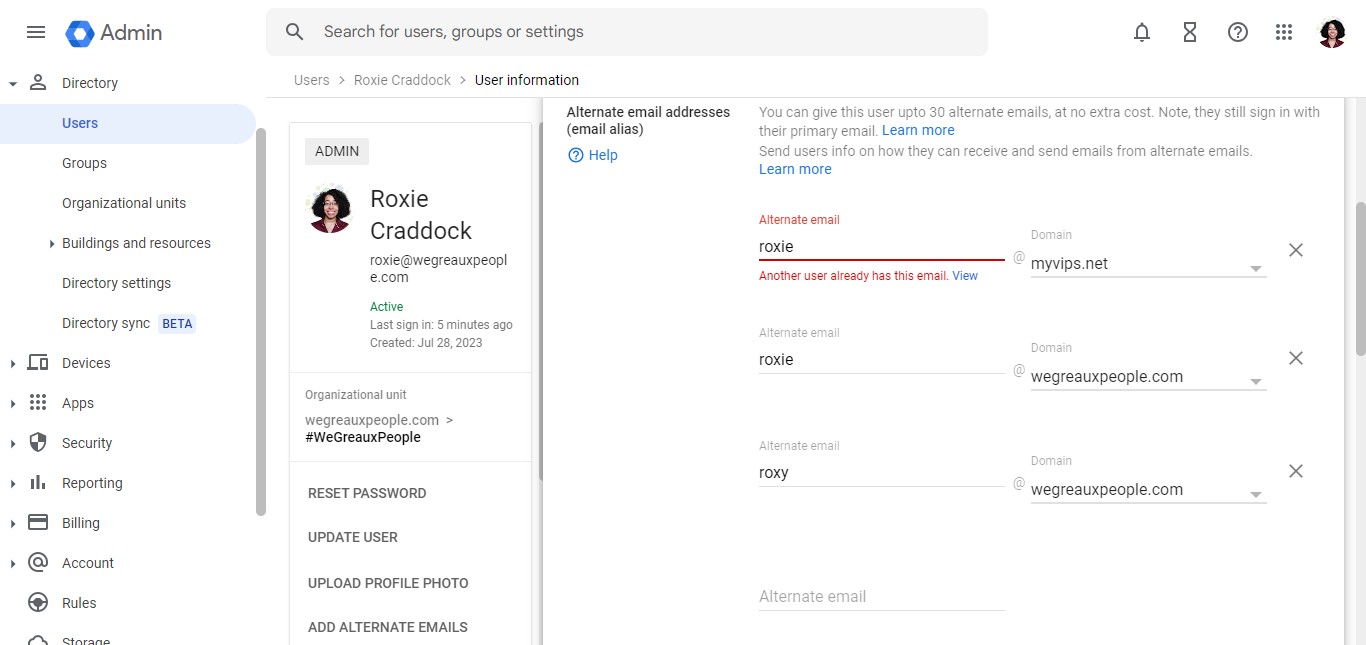
Add Alias Email
We Greaux People shows you how to add an alternate email address (alias email).
Apr 12, 2024●
1
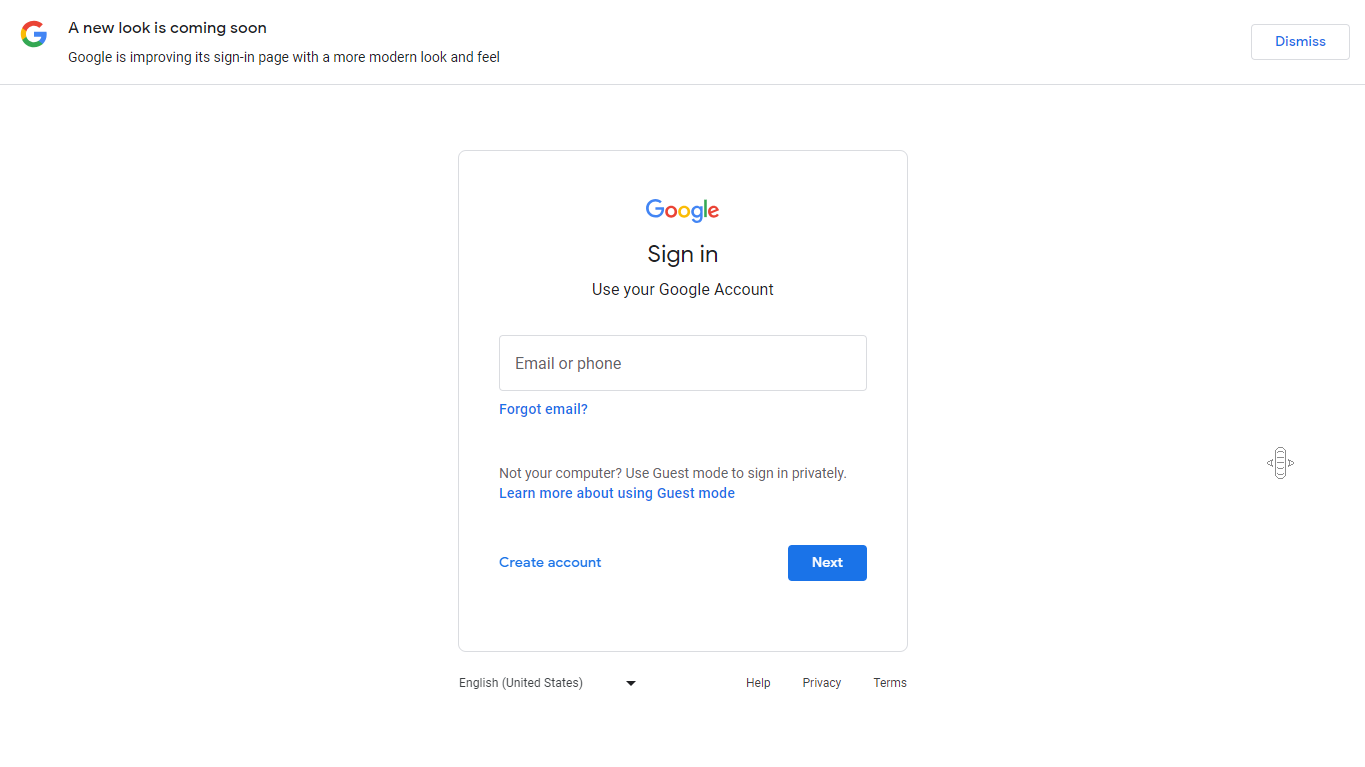
Navigate to https://admin.google.com/
2
If prompted to log in, log in using your user credentials.
3
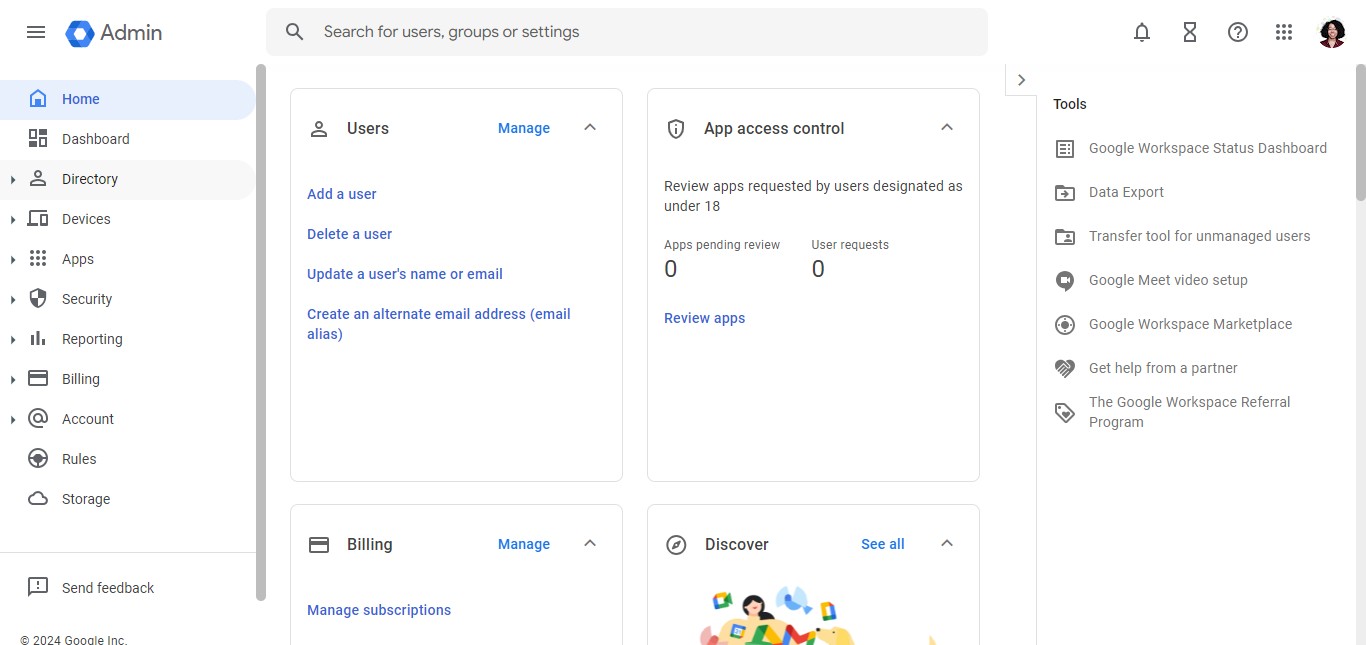
Click on "Directory"
4
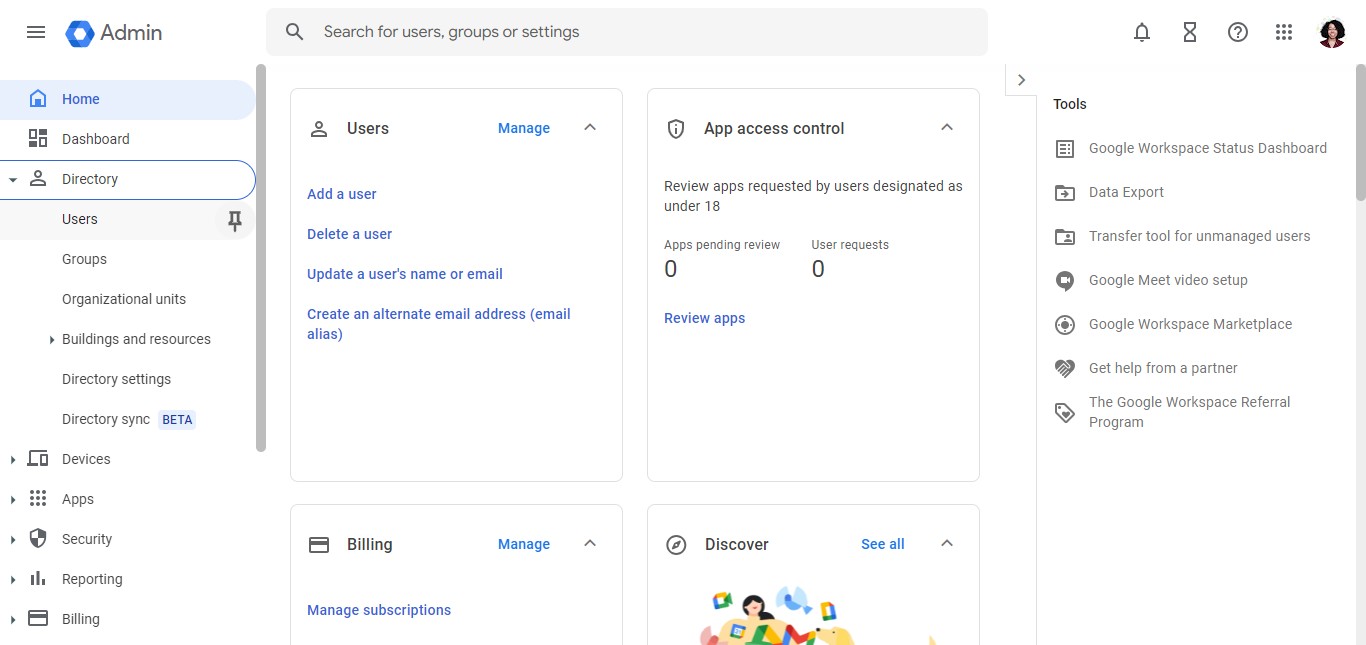
Click on "Users"
5
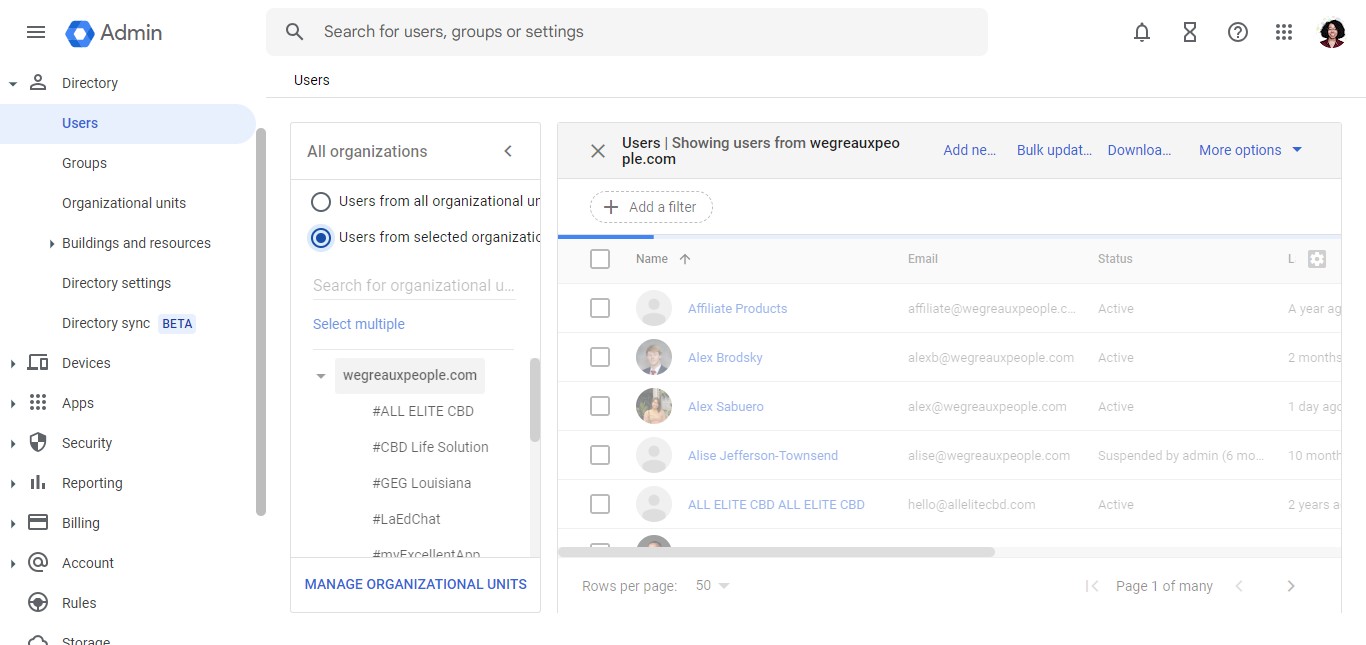
Look for the user that you want to give an alias email to.
6
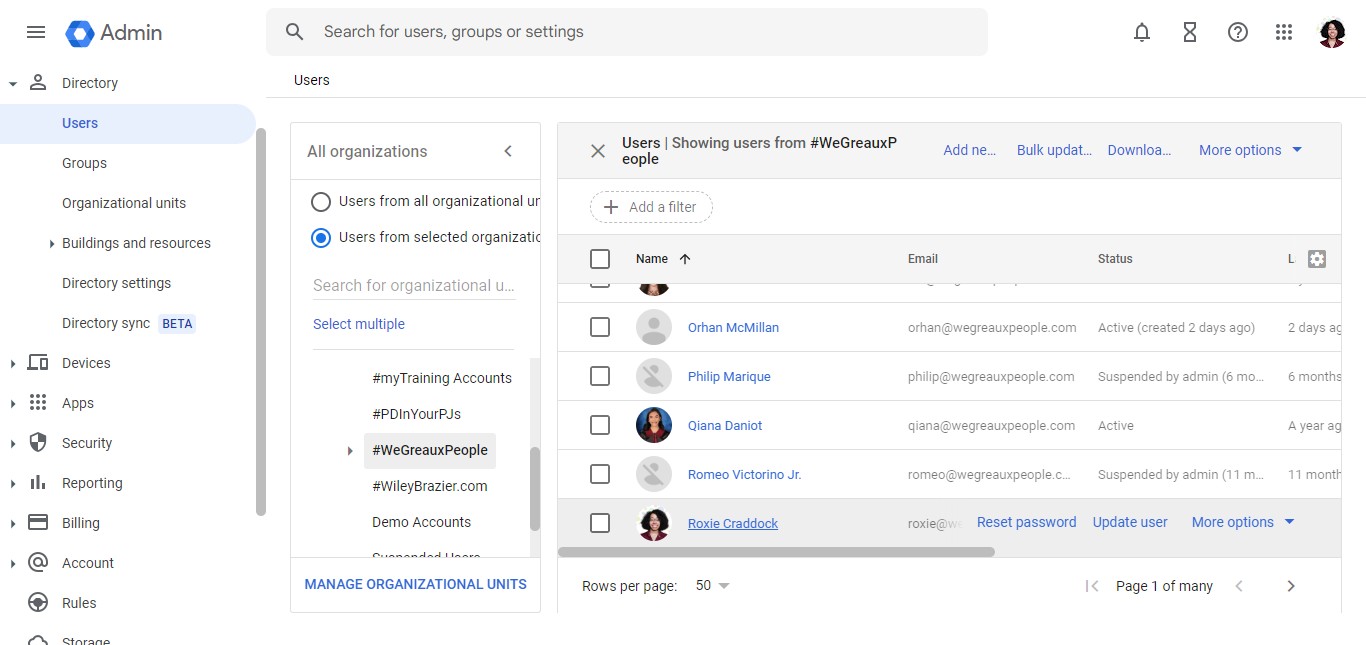
Click on the user.
7
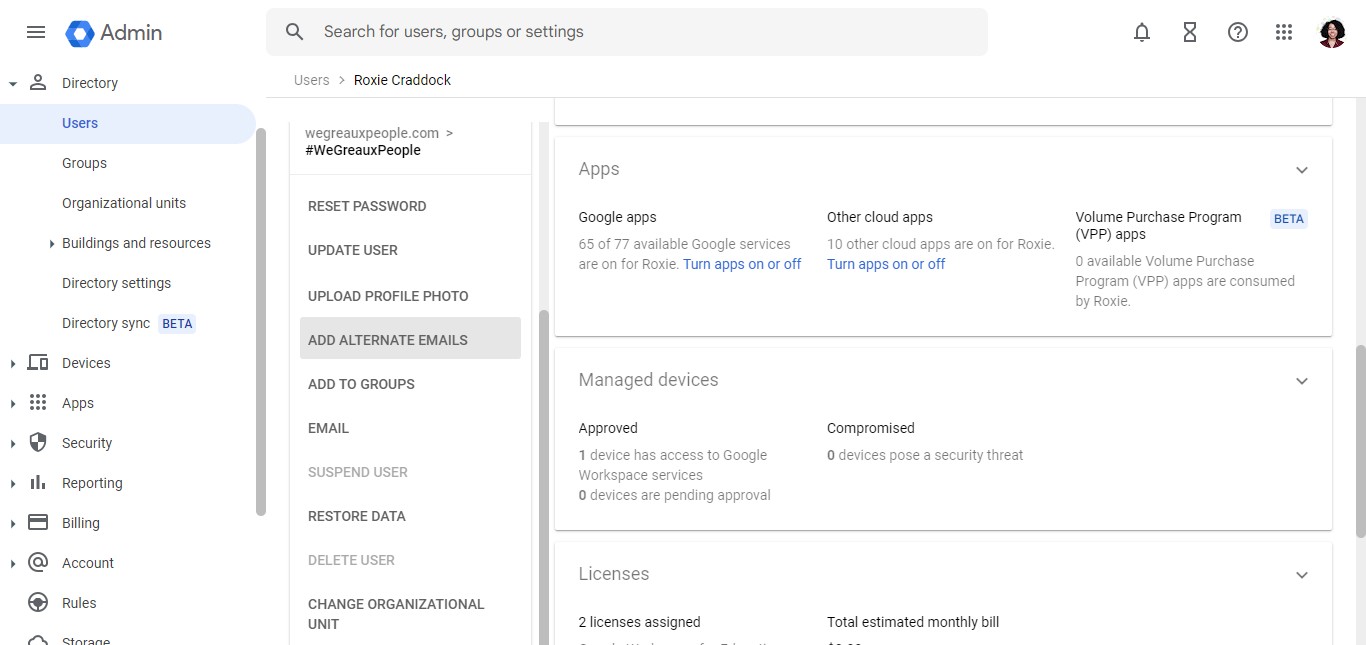
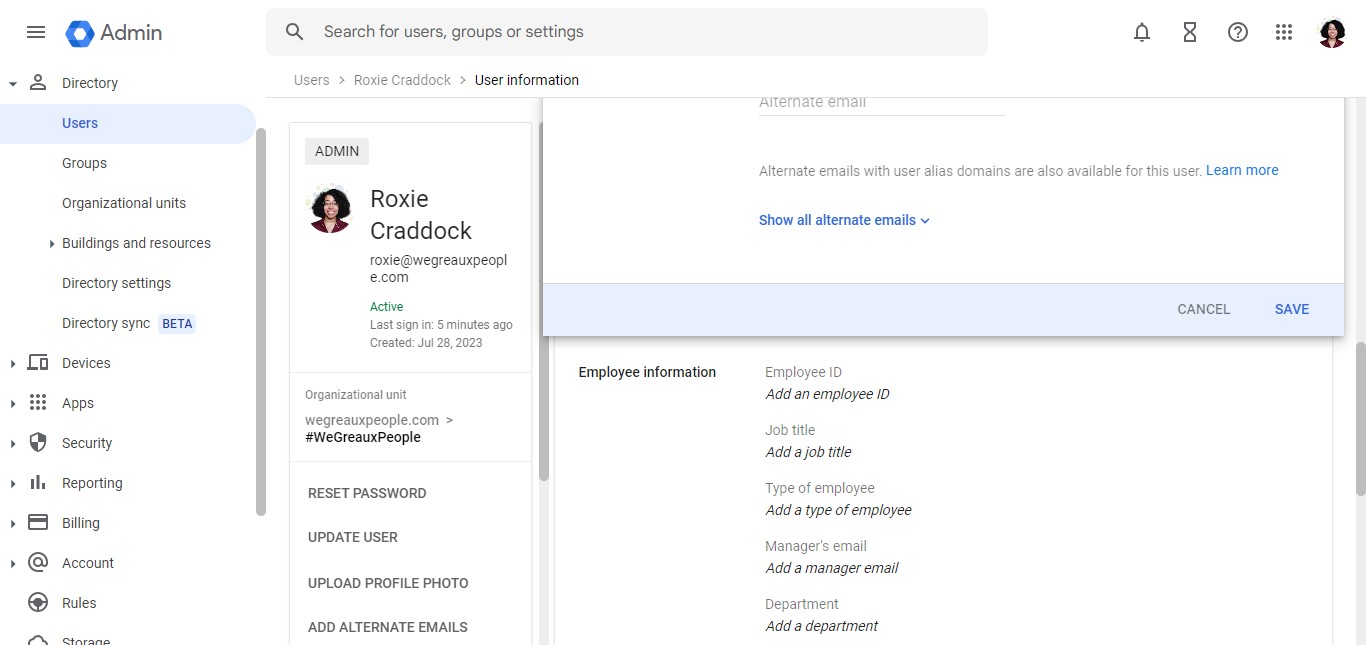
Click on "Add Alternate Emails"
8
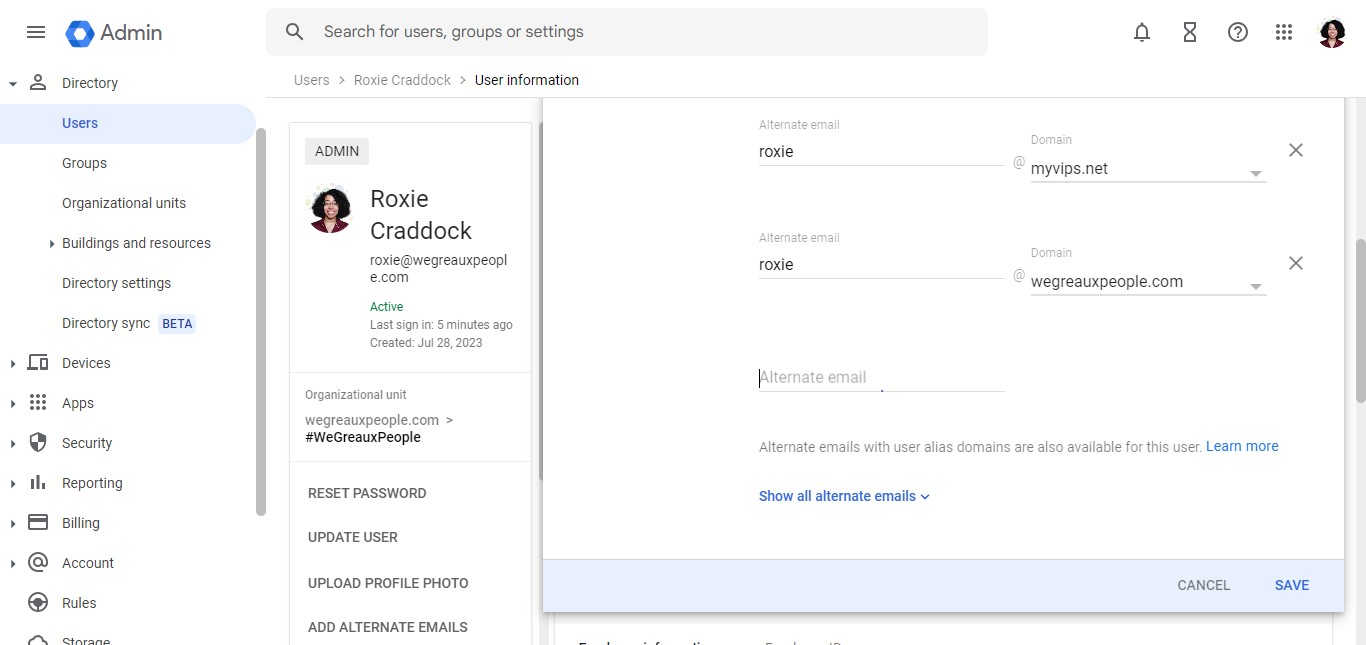
Click here
9
Add the new alternate email.
10
Click on "Save"
11
Done 🚀