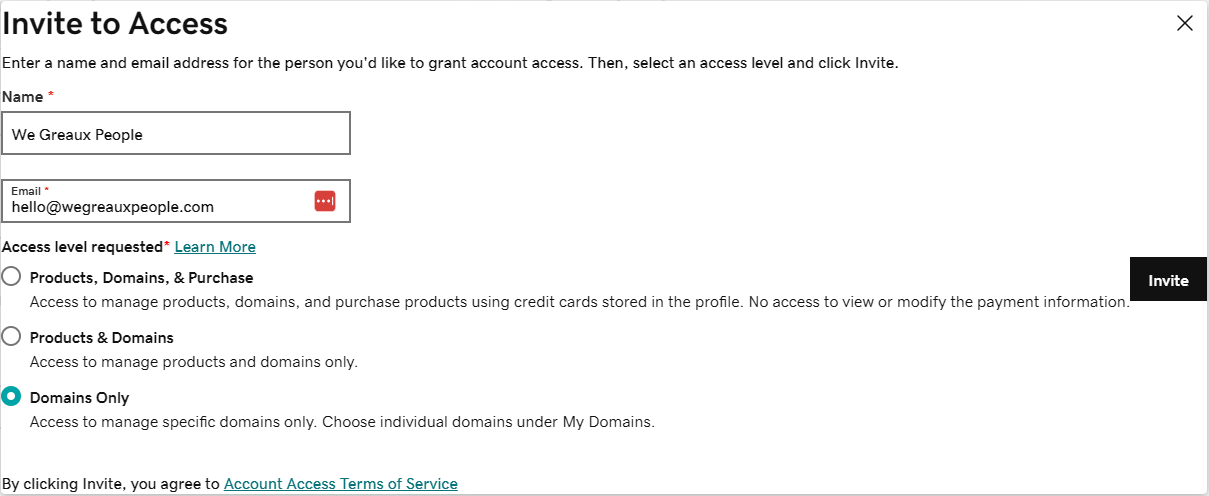
How to grant We Greaux People delegated access in GoDaddy
Follow the instructions below to grant We Greaux People delegated access to your GoDaddy account.
Sep 20, 2024●
1
Navigate to https://account.godaddy.com/access to go to your GoDaddy Delegate Access page. 🎉
2
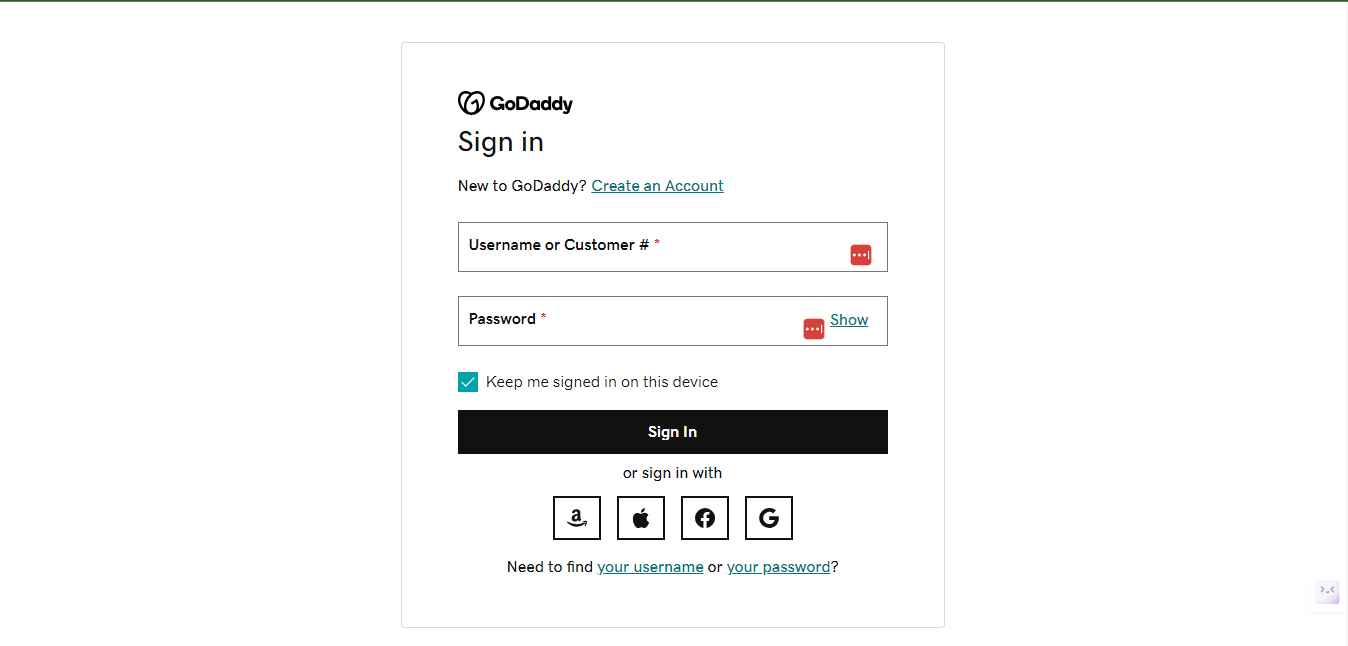
Upon clicking on the above link ( https://account.godaddy.com/access ) , you may be prompted to sign in.
3
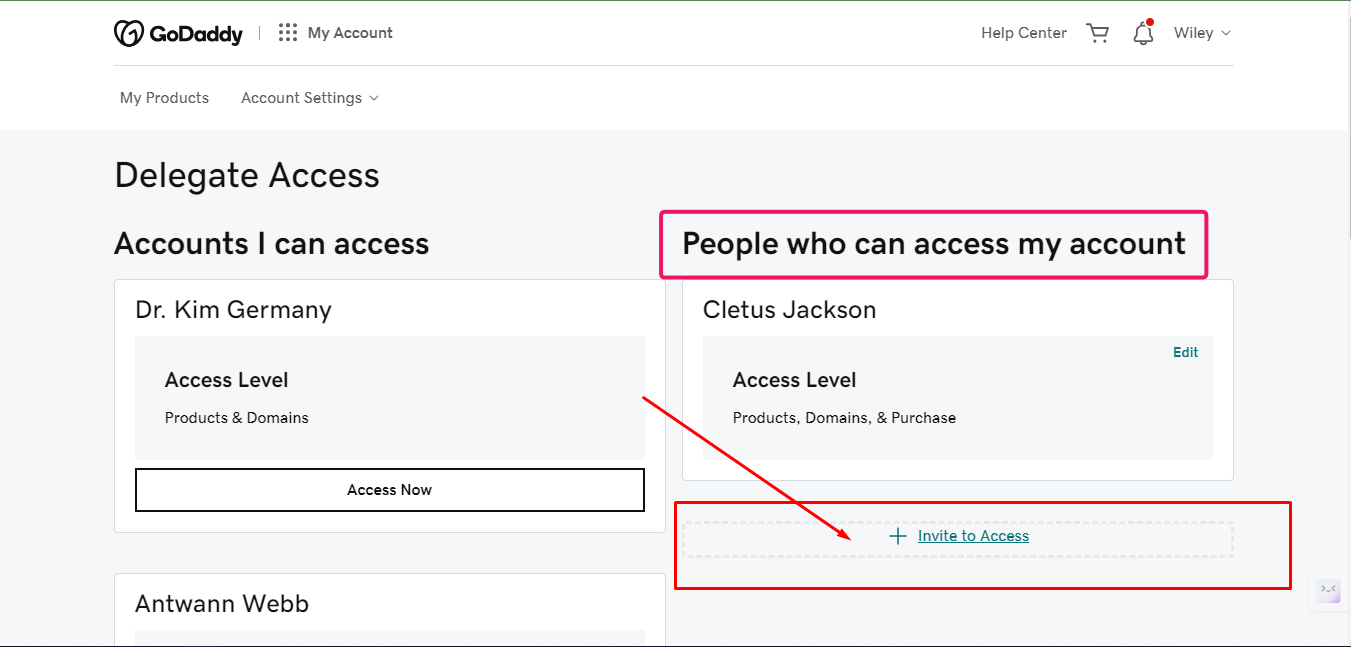
Under the 'People who can access my account' section, select 'Invite to Access'.
4
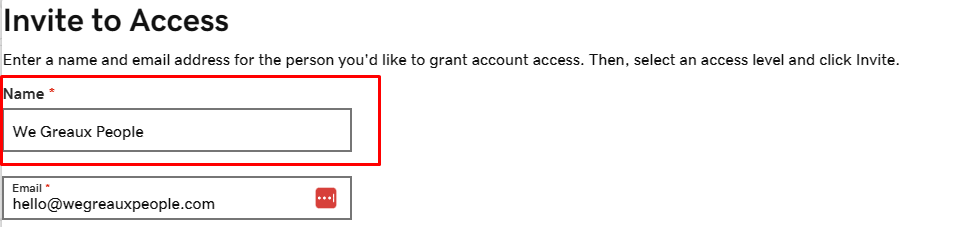
Under Name, enter Wiley Brazier. Under Email, enter Hello@WeGreauxPeople.com
5
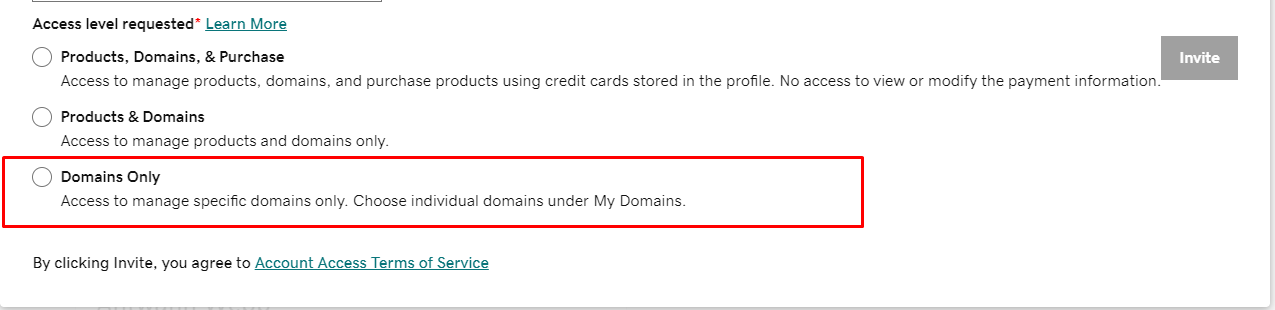
Select the 'Domains Only' option.
6
Select 'Invite'. Once we receive the invitation, we'll take it from there!